
Gaming laptops have come a long way. A decade ago, playing demanding titles on the go meant carrying a heavy, loud machine that lasted barely an hour off the charger. Today’s models are slimmer, quieter, and powerful enough to rival many desktop PCs. But with so many options at so many price points, picking the right one can feel overwhelming.
This guide walks through what actually matters when buying a gaming laptop, so you can spend your money where it counts.
Why Choose a Gaming Laptop Over a Desktop?
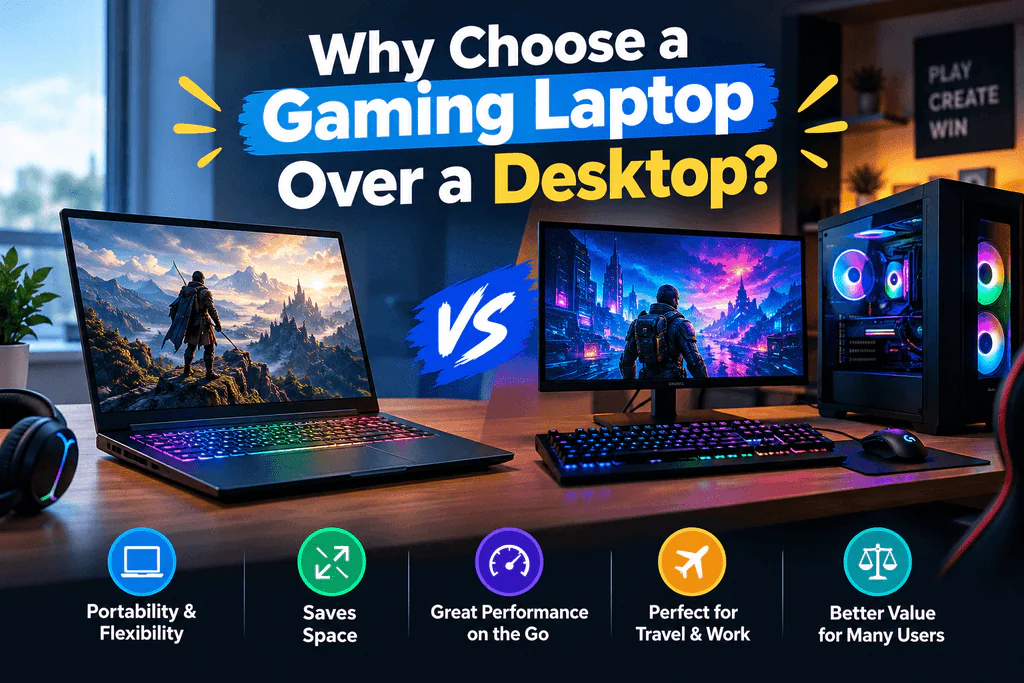
A desktop will almost always give you more performance per dollar. But a gaming laptop wins on flexibility. If you move between a dorm and home, travel for work, or simply don’t have room for a full tower and monitor setup, a laptop gives you one device that handles gaming, work, streaming, and everyday use.
The trade-offs are real, though. Laptops are harder to upgrade, run hotter in a smaller space, and cost more for equivalent power. Knowing that going in helps you set realistic expectations and choose wisely.
The Graphics Card (GPU): Your Most Important Decision
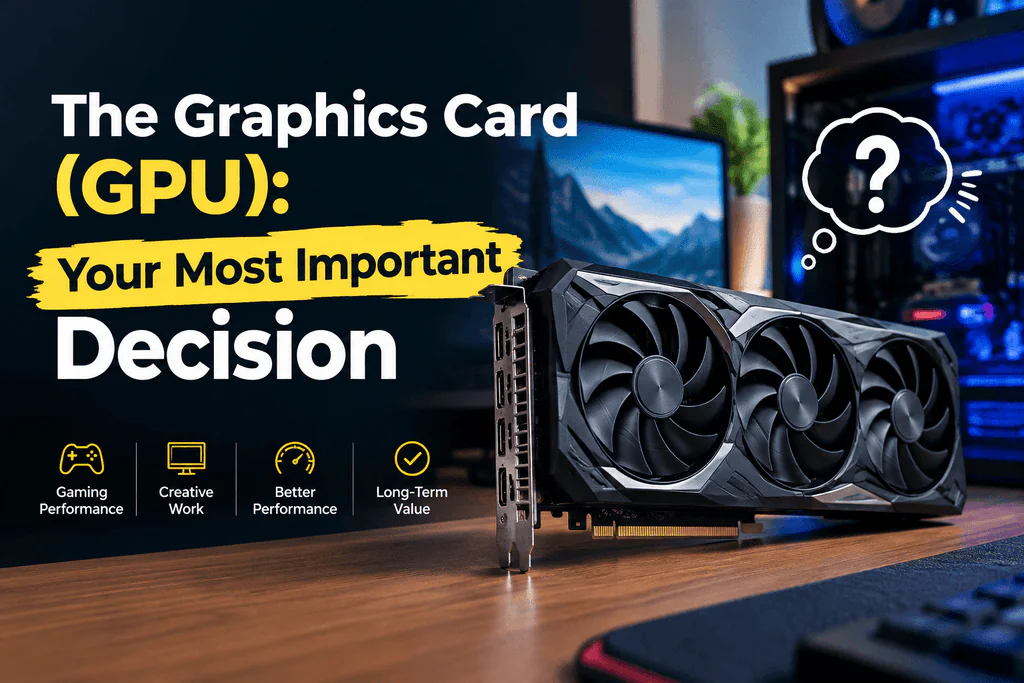
For gaming, the GPU matters more than any other component. It determines your frame rates, the graphics settings you can use, and whether features like ray tracing are practical.
Laptop GPUs carry the same names as their desktop counterparts, but they are not identical. Laptop versions are usually power-limited to fit within thermal and battery constraints, so a laptop GPU will typically perform below the desktop card with the same name. Two laptops with the same GPU can also perform differently depending on how much power the manufacturer allows it to draw, known as its TGP (total graphics power). A higher TGP generally means better performance, so check this spec rather than relying on the model name alone.
As a rough guide:
- Entry-level GPUs handle esports titles and older games well at 1080p, and can manage many newer games on medium settings.
- Mid-range GPUs are the sweet spot for most players, delivering smooth 1080p and solid 1440p performance on high settings.
- High-end GPUs are built for 1440p and beyond, ray tracing, and the most demanding releases at maximum settings.
Also look for support for upscaling technologies such as DLSS, FSR, and frame generation. These can boost frame rates considerably, and they make a mid-range GPU feel far more capable than its raw specs suggest.
The Processor (CPU): Don’t Overspend, But Don’t Skimp
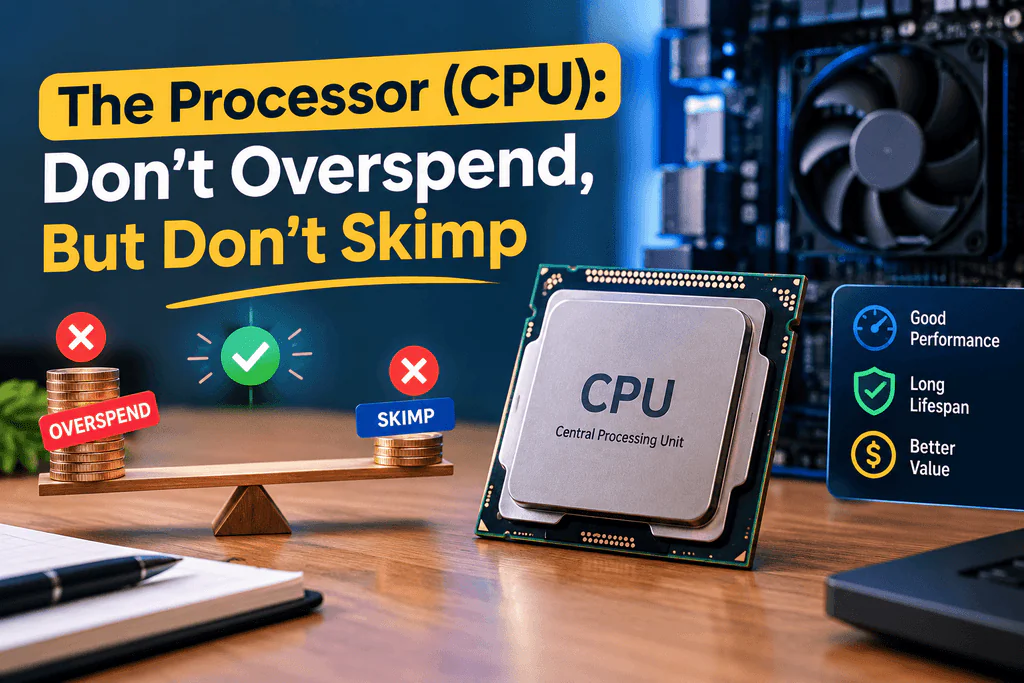
Your CPU handles game logic, physics, background tasks, and anything else that isn’t graphics. In most games, the GPU is the bottleneck, so you don’t need the most expensive processor to get great results. A modern mid-range or upper-mid-range chip from Intel or AMD is plenty for the majority of players.
Where a stronger CPU pays off is in CPU-heavy games such as strategy titles, simulation games, and large open-world games, as well as in streaming, video editing, and multitasking. If you plan to do those things alongside gaming, it’s worth stepping up a tier.
RAM and Storage: Easy Wins
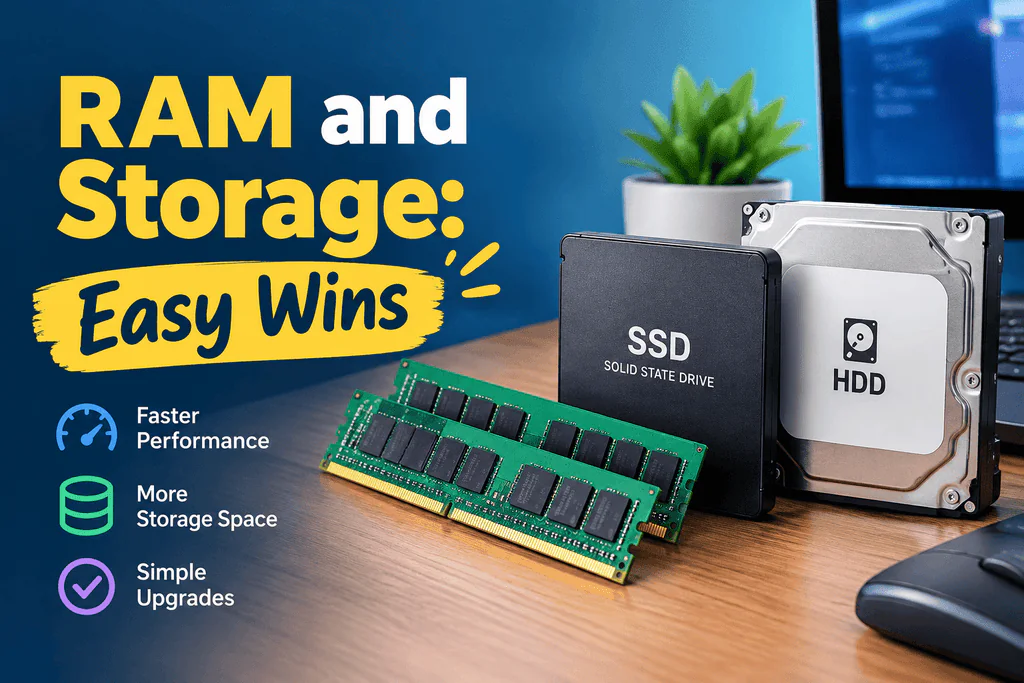
RAM: 16GB is the practical minimum for modern gaming. Many new games run noticeably better with it than with 8GB, and the extra headroom helps if you keep a browser, Discord, and other apps open while playing. If you stream or create content, 32GB is a worthwhile upgrade. Many gaming laptops allow you to add or replace RAM yourself, so it can be a cheap upgrade later on.
Storage: Always choose an NVMe SSD. Game sizes keep growing, and it’s common for a single title to take up well over 100GB. A 512GB drive fills up quickly, so aim for 1TB if your budget allows. Check whether the laptop has a second M.2 slot, because adding another drive later is far cheaper than paying a manufacturer’s premium for a bigger one up front.
The Display: What You’ll Be Staring At
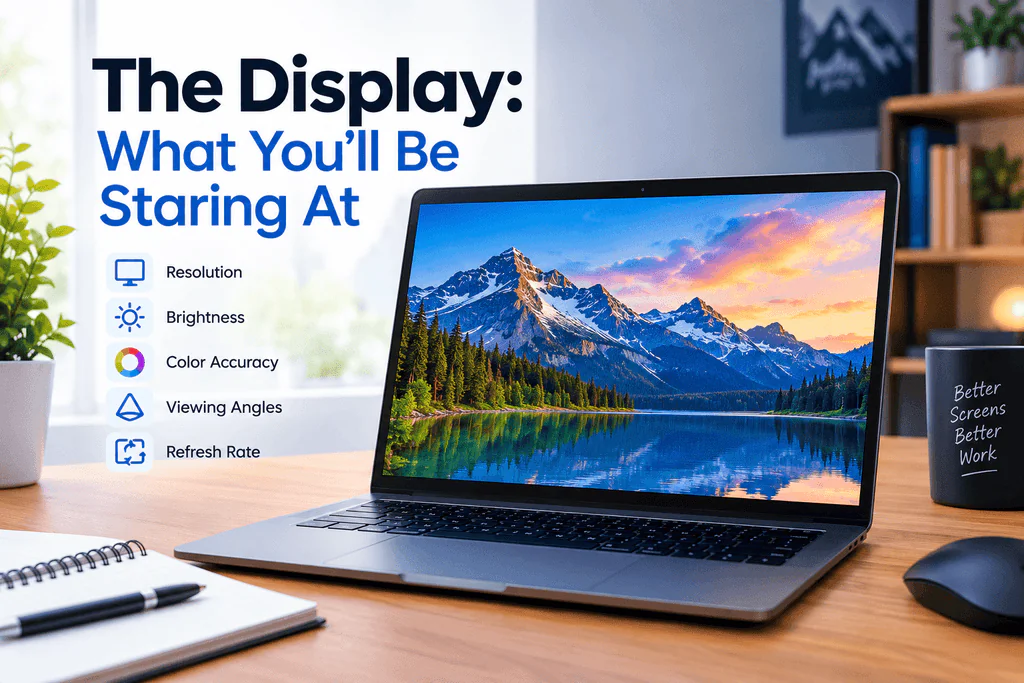
The screen shapes your gaming experience as much as the hardware inside. Three specs matter most.
Refresh rate. A 60Hz screen is not enough for a gaming machine. Look for at least 144Hz, with 165Hz, 240Hz, or higher being common on better models. Higher refresh rates make motion look smoother and can give you a real edge in fast-paced competitive games. Remember, though, that your GPU has to produce those frames to take advantage of the screen.
Resolution. Full HD (1080p) is the standard on most mid-range laptops and is easy for the GPU to drive. QHD (1440p) offers a sharper image and works well on 15 to 16 inch screens if your GPU can handle it. 4K on a laptop is rarely worth the performance cost.
Panel type and color. IPS panels are a solid all-rounder. OLED screens offer stunning contrast, deep blacks, and very fast response times, though they can be pricier and may carry some burn-in risk with static content. If you also do creative work, check color gamut coverage, such as sRGB or DCI-P3.
For smoother gameplay without tearing, look for variable refresh rate support such as G-SYNC or FreeSync.
Cooling and Thermals: The Hidden Differentiator
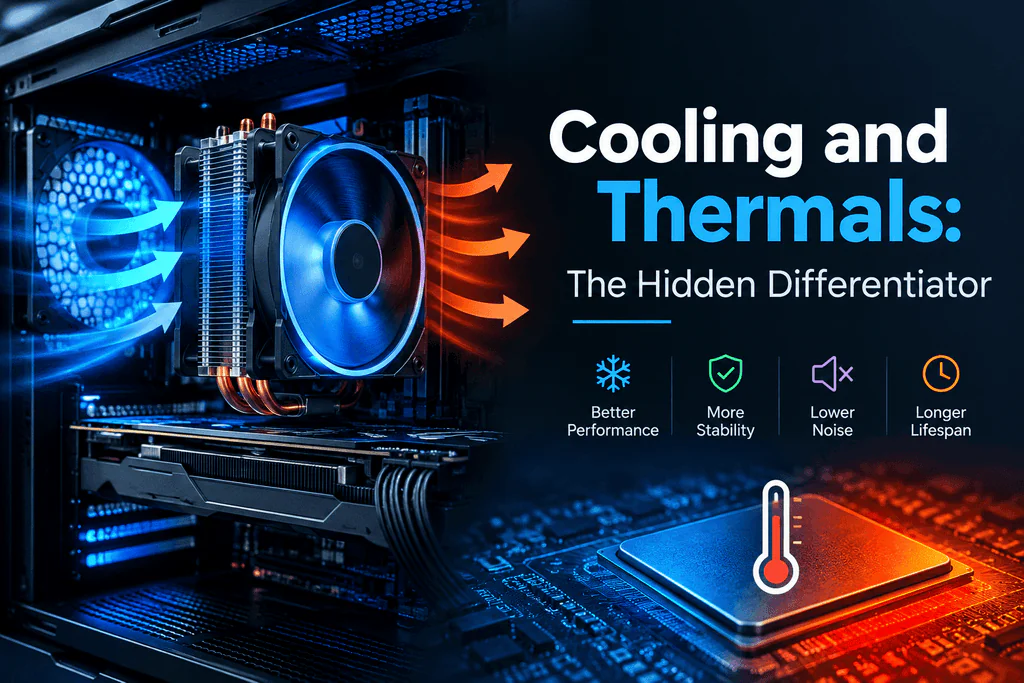
Powerful components generate heat, and a laptop that can’t manage it will throttle, meaning it slows itself down to avoid overheating. This is why spec sheets alone can be misleading. A laptop with a great GPU but poor cooling may underperform a competitor with lower specs and a better thermal design.
Good cooling usually means multiple heat pipes, large fans, and generous vents. Features like vapor chambers and liquid metal thermal compound are signs of a more serious thermal design. Before buying, read independent reviews that test sustained performance, surface temperatures, and fan noise. A laptop that stays quiet and cool under load is a pleasure to use, while one that sounds like a jet engine gets old fast.
Size, Weight, and Portability
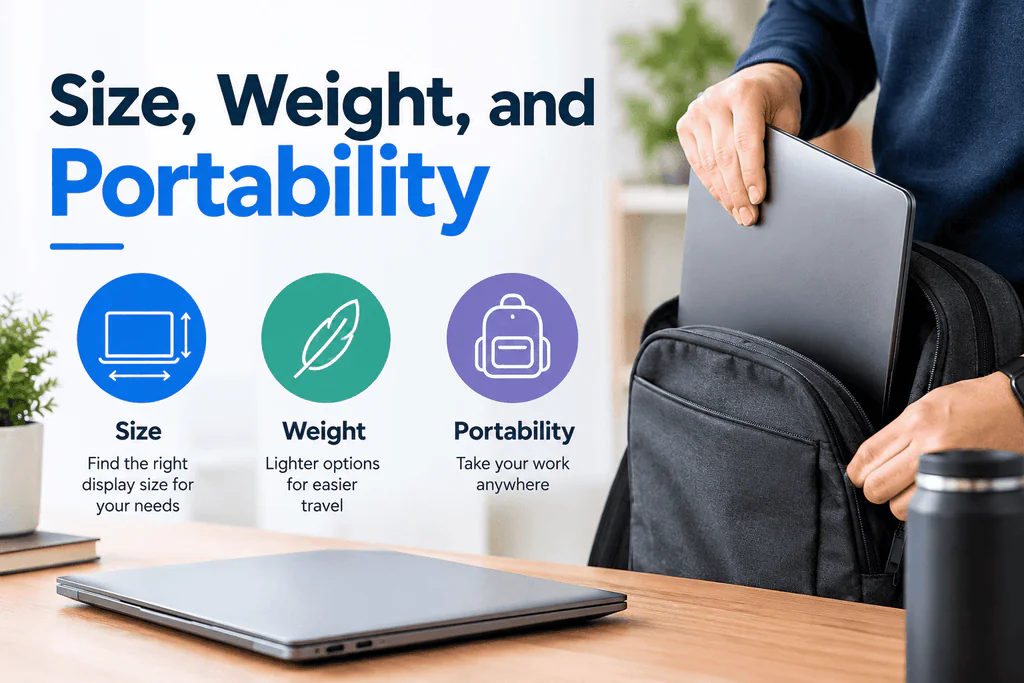
Gaming laptops generally come in three broad categories:
- Compact (14 inches): Easy to carry and great for travel, but with less cooling capacity, they often use lower-power GPUs.
- Standard (15 to 16 inches): The most popular balance of performance, screen size, and portability.
- Large (17 to 18 inches): More room for powerful cooling and bigger screens, but heavy and best suited for mostly stationary use.
Be honest about how you’ll use it. If you’re carrying it to class or the office daily, a thinner, lighter model is worth considering. If it will mostly live on a desk, prioritize performance and cooling over weight.
Battery Life: Manage Your Expectations
Even the best gaming laptops struggle to last long away from an outlet. Expect only an hour or two of actual gaming on battery, and performance is often reduced when unplugged. For everyday tasks like browsing and video, battery life can be considerably better, especially on models with efficient processors and graphics switching, which turns off the powerful GPU when it isn’t needed.
If you game seriously, plan to be plugged in. Treat battery life as a bonus for lighter use rather than a core feature.
Ports, Keyboard, and Build Quality
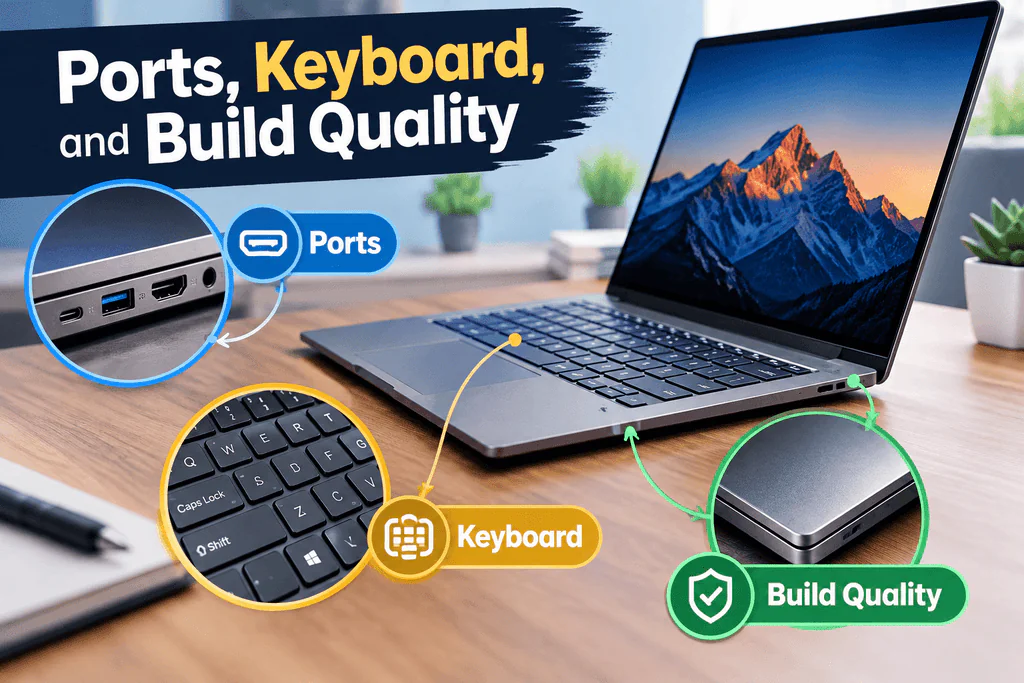
These details are easy to overlook but affect daily use. Look for a good selection of ports, including USB-A, USB-C (ideally with Thunderbolt or USB4), HDMI or DisplayPort for external monitors, and an Ethernet port if you prefer a wired connection for online games. Wi-Fi 6E or Wi-Fi 7 support helps keep latency low.
Try to get a sense of the keyboard, since you’ll use it constantly. Good key travel, a comfortable layout, and RGB backlighting are common, and per-key lighting is a nice extra. A solid build, a sturdy hinge, and a decent webcam and speakers round out the experience, although many gamers use a headset and external peripherals anyway.
Setting Your Budget

Prices vary widely, but here is a general idea of what to expect:
- Budget: Capable of 1080p gaming at medium to high settings in many titles. Great for esports and less demanding games.
- Mid-range: The best value for most people, with strong 1080p and 1440p performance, good displays, and better cooling.
- High-end: Top-tier GPUs, high-refresh-rate QHD or OLED screens, and premium build quality for those who want no compromises.
Watch for seasonal sales, previous-generation models, and open-box deals. Last year’s high-end laptop often beats this year’s budget model in performance and costs about the same.
Tips Before You Buy

- Check the actual GPU wattage, not just the model name.
- Read sustained-performance reviews, not only launch-day impressions.
- Look at upgradeability. Accessible RAM and storage slots extend a laptop’s life.
- Consider the warranty and support, since gaming laptops are complex machines under heavy stress.
- Think about peripherals. A good mouse, headset, and cooling pad can improve your experience more than a small spec bump.
Final Thoughts
The best gaming laptop isn’t the one with the biggest numbers on the box. It’s the one that fits how you play, where you play, and what you can afford. Start with the GPU, make sure the display and cooling are up to the job, and get at least 16GB of RAM and a fast SSD. Do that, and you’ll have a machine that delivers smooth, enjoyable gaming for years to come.
Take your time, compare real-world reviews, and don’t be swayed by marketing alone. A little research now will save you a lot of frustration later, and get you back to what matters: playing great games.
Frequently Asked Questions
Q1. What specs define a high-performance gaming laptop?
A top-rated gaming laptop requires:
- GPU: NVIDIA GeForce RTX 5070 Ti, 5080, or 5090
- CPU: Intel Core Ultra 9 or AMD Ryzen 9
- RAM: 16GB–32GB DDR5
- Display: 165Hz–240Hz refresh rate (QHD or OLED)
Q2. How do these laptops prevent overheating?
They use vapor chamber cooling, liquid metal thermal compound, and multi-fan setups to prevent thermal throttling and maintain maximum FPS during long sessions.
Q3. How is the battery life for everyday tasks?
While plugged in for gaming, features like NVIDIA Advanced Optimus switch to integrated graphics for normal tasks, giving 6–8+ hours of battery life for web browsing or video playback.
Q4. Can they run 4K games and ray tracing smoothly?
Yes. High-wattage RTX GPUs combined with DLSS AI upscaling deliver high frame rates even at 1440p and 4K resolutions with maximum ray tracing settings.
Q5. Can RAM and SSD storage be upgraded later?
Yes. Most 15-inch to 18-inch models offer dual DDR5 RAM slots and dual M.2 SSD slots for easy upgrades. Thin 14-inch models may have soldered RAM.
Q6. OLED vs Mini-LED: Which display is better?
- OLED: Instant response times (<1ms) and deep contrast—best for fast esports gaming.
- Mini-LED: Ultra-high brightness (1000+ nits) with zero burn-in risk—best for bright rooms and HDR titles.
Q7. Why does GPU power (TGP) matter for performance?
A higher Total Graphics Power (TGP) (up to 175W) lets the GPU perform at its maximum capacity, delivering higher FPS than thinner laptops with capped wattage.